The Best Window Treatments for a Home Office: Glare, Light, and Video Calls
A home office has one enemy: glare. Sun on your screen kills focus and wrecks video calls. The right treatment gives you controlled, even light without plunging the room into darkness. Here's how to set it up.
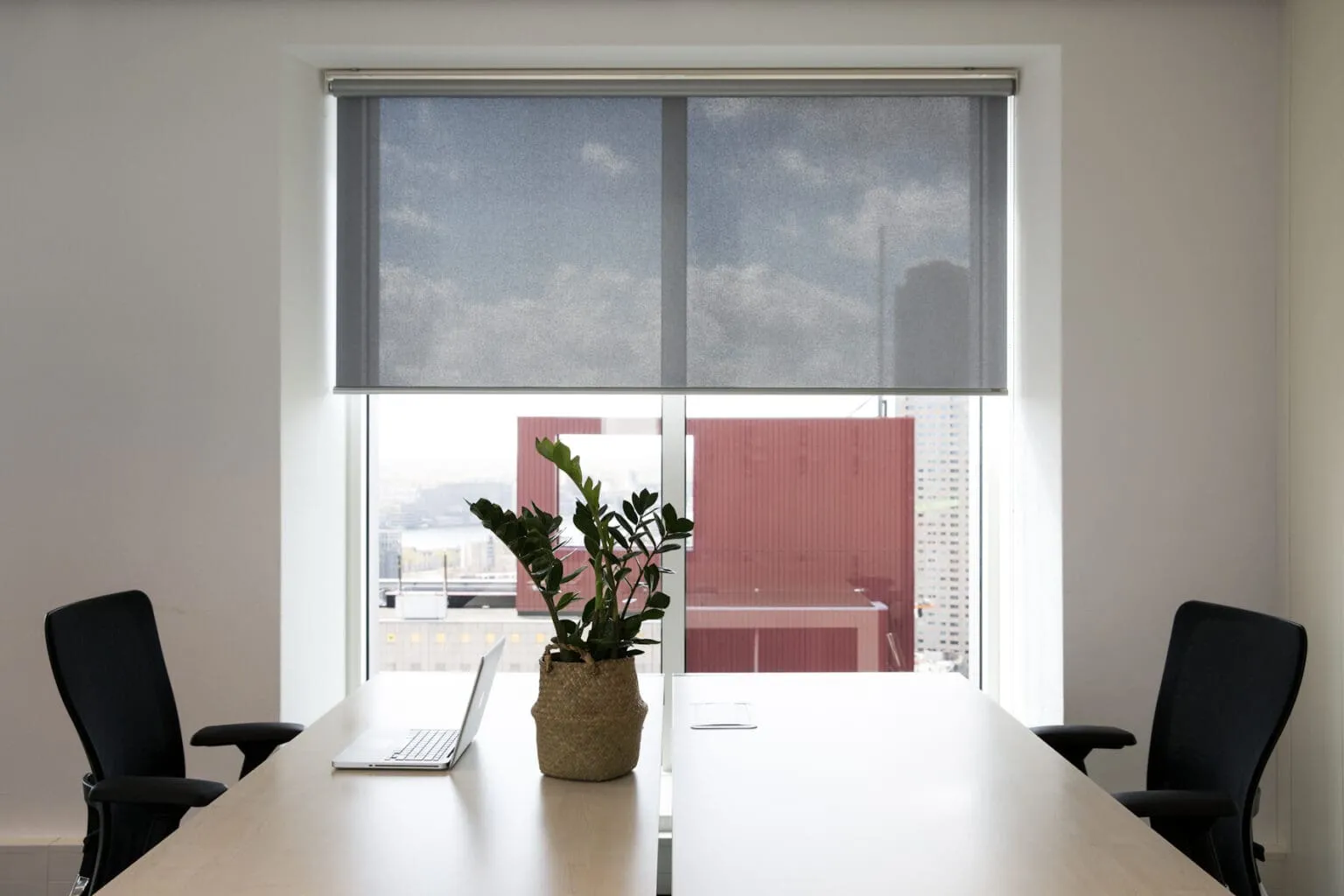
Solar shades for glare + view
Solar and roller shades with a screen fabric cut glare and block UV while keeping an outward view and soft daylight - the go-to for a desk by a window. Choose a tighter weave for more glare control.
Tilt control for aimable light
Louvered shutters and slatted blinds let you aim the light: tilt them to bounce sun off the ceiling for even, glare-free brightness, or angle for privacy on calls. This aimable control is a big advantage for a workspace.
Clean video-call background
For calls, you want even light on your face and no blown-out window behind you. A light-filtering or solar shade evens out a bright window so the camera isn't fighting backlight - and gives you privacy control when you need it.
Quick picks
- Desk facing/beside a window: solar or roller shade to kill glare, keep the view.
- Want aimable light + privacy: shutters or blinds with tilt.
- Frequent video calls: light-filtering shade to tame backlight.
Book a free in-home consultation and we'll glare-proof your workspace.
Home office questions.
How do I stop screen glare in a home office?
Solar or roller shades cut glare while keeping daylight and a view; tilted shutters/blinds bounce light off the ceiling for even, glare-free light.
What's best for video calls?
A light-filtering or solar shade evens out a bright window so you're not backlit, giving a clean, well-lit background.
Can I control light without making the room dark?
Yes - solar shades and tilt control give you even, usable daylight without darkness.